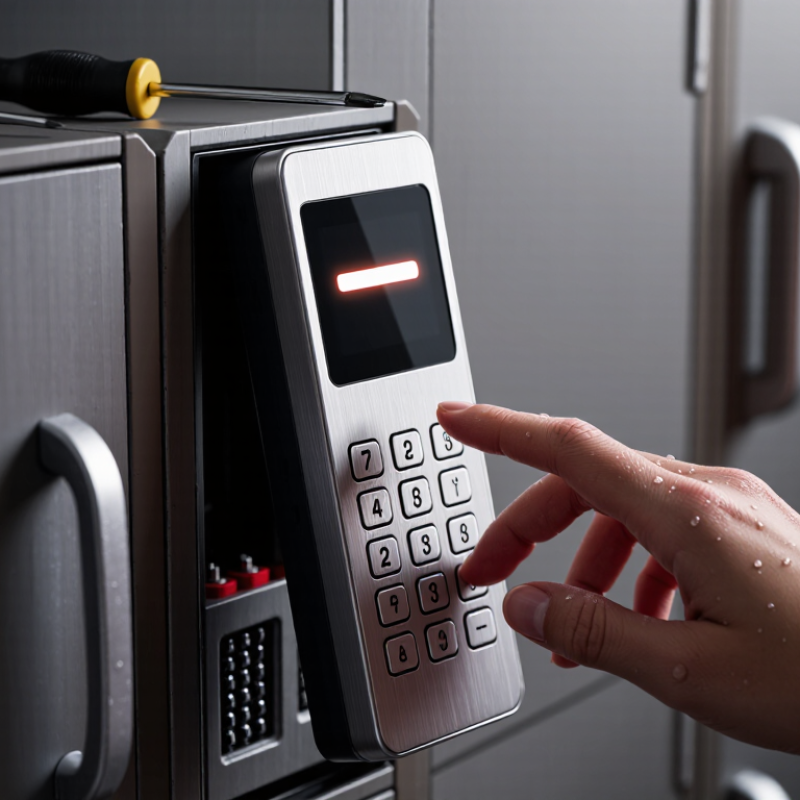
| PIN keypad lock | Users enter a numeric code on a built-in keypad. | Usually not for basic local access; remote code management depends on the system. | No card or phone is needed. Codes can be assigned to individuals or groups when supported. | Codes can be shared or observed. Shared codes are harder to attribute to one person, and keypad wear or contamination may affect usability. | Gyms, staff areas, and other locations where simple code-based access is sufficient. |
| RFID or NFC credential lock | A compatible card, fob, or supported mobile credential is presented to a reader. | Not necessarily; some locks validate credentials locally, while managed systems may connect to a central platform. | Quick, familiar access. Lost credentials can often be deactivated when the lock or management system supports credential updates. | Users need an enrolled credential. Compatibility depends on the reader and credential format; offline systems may not receive changes immediately. | Schools, workplaces, and shared facilities that already issue access cards or fobs. |
| Bluetooth mobile lock | An authorized phone communicates with the lock over Bluetooth, typically through an app or digital credential. | Bluetooth access can work locally; internet access may be needed for enrollment, remote administration, or updates. | Can reduce the need for physical cards and may support app-based access permissions. | Users need a compatible, charged phone and must follow the system’s enrollment process. Phone compatibility and app support should be checked. | Workplaces, residential amenities, and sites where users are comfortable using phones for access. |
| Network-connected electronic lock | Access is managed through a connected system, using credentials such as cards, PINs, or mobile access depending on the configuration. | Connectivity is used for central or remote management; local access during an outage depends on the lock and system design. | May support centralized user management, access schedules, and event records across multiple lockers. | Requires network planning and administration. Confirm what happens during internet, power, or server outages, and whether event records are stored locally. | Large sites that need centralized administration or access records across many lockers. |
| Biometric electronic lock | A registered biometric, commonly a fingerprint, is checked by a sensor. | Basic verification may be local; enrollment and management requirements vary by system. | Users do not need to carry a card or remember a PIN for access. | Sensor performance can vary with finger condition and environment. Enrollment, privacy safeguards, and an alternative access method should be considered. | Controlled-access settings where biometric use is appropriate and users can be enrolled reliably. |
| Hybrid electronic lock | Supports more than one method, such as a card plus PIN or a mobile credential plus keypad, depending on the model. | Varies by configuration; multiple access methods do not necessarily mean the lock is internet-connected. | Offers flexibility for different user groups and can provide a backup method if one credential is unavailable. | More options can add setup and support complexity. Verify that each access method works in the intended offline and outage conditions. | Sites with mixed users, accessibility needs, or a requirement for a backup access method. |



 Close