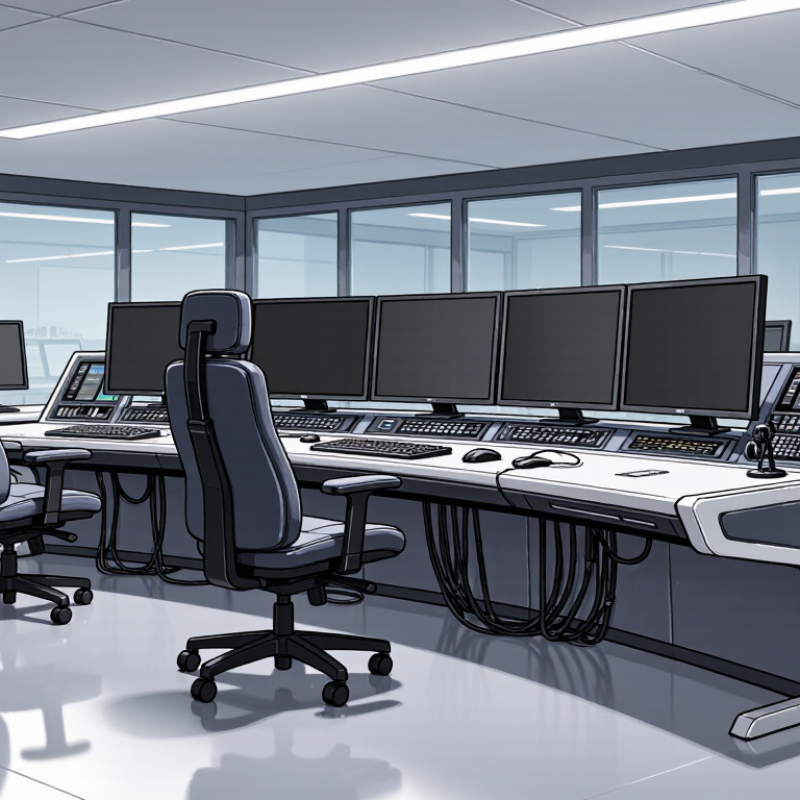
| Operator Roles and Staffing | Identify the roles working in the room, how many people are on duty at once, and whether staffing changes by shift or operating condition. | Current and peak operator counts; role assignments; shared or dedicated workstations; supervisor positions. | Set the number and arrangement of workstations, allow clear sightlines between operators, and provide space for supervision and collaboration. |
| Monitoring and Display Needs | Determine which systems, applications, and visual information each operator must use at the same time. | Applications per role; monitor quantity and dimensions; viewing distances; shared displays; any required display mounts. | Check desktop area, monitor-arm capacity, viewing angles, and sightlines to shared displays. Confirm that screens do not obstruct communication or room visibility. |
| Workflows and Equipment | Map the operator’s routine tasks, communication channels, and equipment used during normal and high-demand periods. | Telephones, radios, keyboards, pointing devices, control panels, paper records, and equipment that must remain within reach. | Plan accessible work surfaces, cable routes, equipment locations, and space for frequently used items without crowding the operator. |
| Shift Length and Ergonomics | Establish how long operators typically work at the console and whether they alternate between sitting and standing. | Shift duration; task variety; seated or sit-stand work; operator reach; chair and foot-support requirements. | Consider adjustable work surfaces where appropriate, comfortable leg clearance, reachable controls, and compatibility with task chairs and monitor arms. |
| Room Layout and Sightlines | Document the room’s dimensions, entrances, windows, columns, shared screens, and required circulation routes. | Measured floor plan; workstation orientation; door swings; accessible routes; viewing angles to displays and adjacent operators. | Choose desk shapes and workstation spacing that fit the room while preserving safe access, clear movement, and useful views across the control room. |
| Power, Data, and Cable Management | Confirm the electrical and network connections needed at each workstation and how cables must be routed and serviced. | Outlet and data-port locations; device count; cable entry points; maintenance access; applicable site electrical requirements. | Look for practical cable pathways and accessible service areas. Coordinate connection locations with qualified facilities and IT personnel. |
| Environmental Conditions | Identify room conditions that may affect operator comfort, equipment use, and desk materials. | Lighting and glare; HVAC airflow; ambient noise; cleaning practices; exposure to dust or other site-specific conditions. | Select finishes and layouts suited to the environment, reduce screen glare through placement, and avoid blocking ventilation or maintenance access. |
| Safety and Accessibility | Determine the site’s accessibility, circulation, and workplace safety requirements before finalizing the layout. | Required clear routes; accessible workstation needs; emergency egress; cable-trip risks; local building and workplace rules. | Keep routes and exits unobstructed, manage cables safely, and verify the design against applicable local requirements with the relevant professionals. |
| Future Changes | Consider likely changes to staffing, technology, workflows, or room use over the console’s service life. | Planned system upgrades; possible additional displays or devices; staffing scenarios; expected reconfiguration needs. | Allow suitable capacity for anticipated equipment and choose a layout that can be modified without disrupting essential operations. |
| Priorities and Constraints | Rank the requirements and identify non-negotiable limits before comparing console options. | Budget range; installation schedule; room dimensions; essential functions; maintenance and replacement considerations. | Use a requirements checklist to compare designs consistently and resolve trade-offs before ordering or installing the console. |



 Close
Close