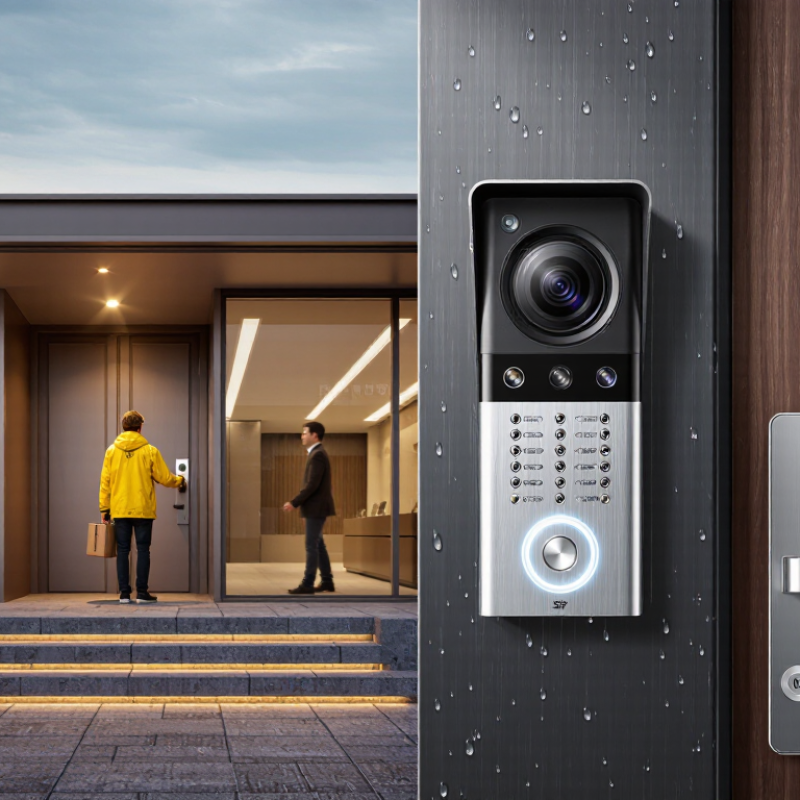
| SIP call setup | The door phone registers with a SIP server or PBX. When a visitor presses the call button, it sends a SIP request to call a configured extension or group. | Confirm support for SIP registration or direct SIP calling, the required server settings, and compatibility with your PBX or hosted voice service. | Compatible call setup lets the door phone reach indoor phones, softphones, or other supported endpoints. |
| Video and audio codecs | After the call is established, audio and video are usually carried over RTP. Devices must share compatible codecs to exchange media. | Check the supported audio codecs, such as G.711, and video codecs, such as H.264. Confirm that the receiving endpoint supports the same choices. | Codec compatibility affects whether a call has clear two-way audio and usable video. |
| Video resolution and viewing angle | The camera captures the entrance scene and sends video to the answering endpoint during a call. | Compare the stated resolution, horizontal viewing angle, low-light performance, and whether the image meets your identification needs at the installation distance. | A suitable field of view and image quality help show visitors without capturing unnecessary areas. |
| Network and power | The unit connects to an IP network. Some models can receive power over Ethernet, while others need a separate power supply. | Check Ethernet requirements, supported PoE standard if applicable, power consumption, cable distance, and whether a separate supply is needed. | Verifying power and cabling before installation helps avoid outages and unexpected installation work. |
| Door release control | During a call, an authorized user can trigger an output that operates a compatible lock or access-control input. | Check relay type and ratings, normally open or normally closed options, lock power requirements, and the intended wiring diagram. Use an appropriate external power supply when required. | Correctly matched wiring supports reliable release operation and avoids overloading the device relay. |
| DTMF and release signaling | A keypad tone or configured command can send a release instruction during a call; supported methods vary by system. | Confirm which signaling method is supported, such as RFC 4733 telephone events or SIP INFO, and verify that the door phone and answering system use compatible settings. | Matching signaling settings helps ensure the unlock command is recognized at the other end. |
| Security | SIP signaling can be protected with TLS, and RTP media can be protected with SRTP when both endpoints support and correctly configure them. | Check for TLS and SRTP support, secure credential settings, firmware update procedures, and options to change default passwords. | Security features help protect call setup, media, and device access; protection depends on compatible configuration across the system. |
| Outdoor suitability | The enclosure and operating specifications determine how well the unit handles its installation environment. | Review the specified IP rating, operating temperature range, mounting method, and any stated protection against sun, rain, or condensation. | Environmental ratings help you select a model appropriate for the actual exposure at the entrance. |
| Network reliability | Calls depend on the local network and, for server-based calling, reachability to the SIP server. Congestion or unstable connectivity can affect call quality. | Check network bandwidth, switch capacity, VLAN and QoS options if used, and whether the device can reconnect or re-register after a network interruption. | A stable network supports consistent registration, call setup, and media quality. |
| Integration and capacity | The door phone may integrate with a PBX, access-control system, or monitoring platform, depending on its interfaces and supported protocols. | Verify the exact integrations required, number of call buttons or SIP accounts, event handling, and whether any advertised protocol support is available for the intended functions. | Checking specific use cases prevents assumptions that protocol support automatically includes every integration feature. |
| Installation and maintenance | Configuration typically includes network settings, SIP account details, call destinations, camera settings, and relay behavior. | Look for clear installation documentation, local or remote configuration options, firmware maintenance procedures, and access to configuration backups. | Good documentation and manageable updates make setup and ongoing support easier. |



 Close