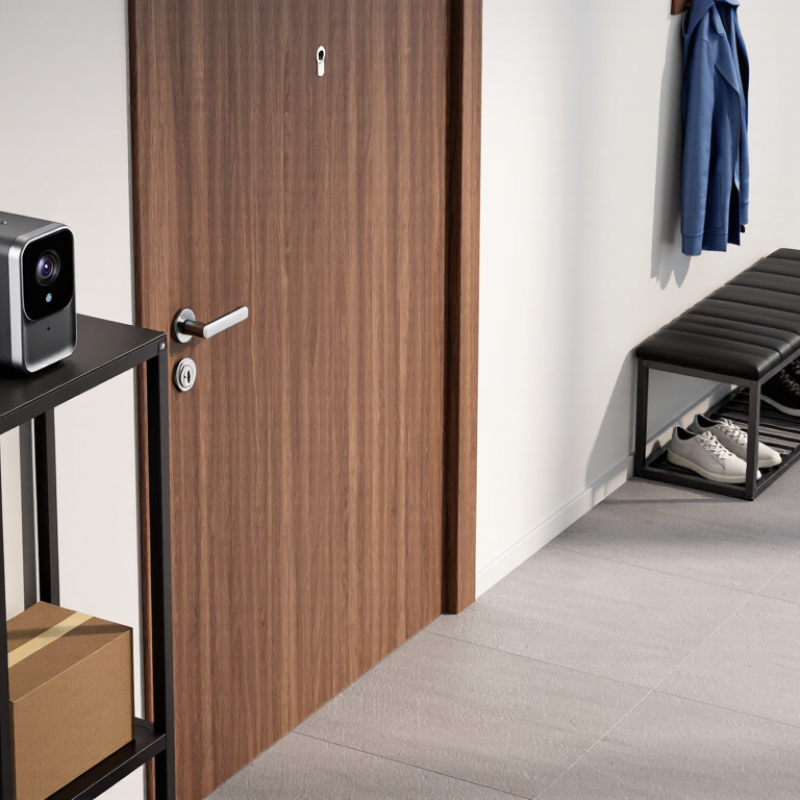
| 1 | Compact indoor Wi-Fi camera | Usually streams over Wi-Fi; some models offer cloud or memory-card recording. Often powered by an adapter. | Monitoring an openly visible entryway or shared living area. | Set a unique password, enable available multi-factor authentication, install updates, and review account access. | Check local rules and inform household members or visitors where required. Avoid private spaces. |
| 2 | Small battery-powered indoor camera | Battery operation; recording may be event-triggered and may require a compatible hub or subscription. | Temporary monitoring where a power outlet is inconvenient. | Review battery, motion-detection, cloud-storage, and data-retention settings. | Battery life and recording availability depend on settings, network conditions, and the particular device. |
| 3 | Compact wired indoor camera | Typically uses continuous power; recording options vary and may include local storage or a network recorder. | Routine monitoring of a visible, authorized area. | Secure the home network and restrict access to recordings to people who need it. | Confirm that the camera's field of view does not capture neighbors' private areas. |
| 4 | Pan-and-tilt indoor camera | Usually mains-powered and network-connected; remote movement and recording features vary. | Checking a larger common area with fewer fixed cameras. | Use privacy-shutter or privacy-mode features when available, and limit who can control the camera. | A moving camera can capture more than intended; set boundaries and check the view regularly. |
| 5 | Compact local-storage camera | Some models record to a memory card or recorder; power may be wired or battery-operated. | Recording without relying exclusively on cloud storage, if the device supports it. | Protect the camera and storage media physically; use encryption or access controls where offered. | Local storage still contains sensitive footage. Check overwrite, deletion, and backup settings. |
| 6 | Compact cloud-connected camera | Uploads clips or streams to an online service; subscription and retention features vary. | Remote viewing when away from home, where an internet connection is available. | Use a strong, unique account password, multi-factor authentication if offered, and the shortest practical retention period. | Review the provider's privacy policy, sharing controls, fees, and deletion process before enabling cloud recording. |
| 7 | Compact doorbell-style camera | Often connects to Wi-Fi and may use wired power or a rechargeable battery; recording options vary. | Monitoring an exterior doorway and receiving visitor alerts. | Limit the camera's view to your entrance where possible and set appropriate motion zones. | Check local rules for recording shared corridors, sidewalks, audio, and neighboring property. |
| 8 | Compact outdoor weather-resistant camera | May use wired power, a battery, or solar-assisted charging; network and storage options vary. | Monitoring an authorized outdoor area such as a driveway or private yard. | Keep firmware current, secure the network connection, and disable features you do not need. | Confirm the device's stated weather rating and avoid aiming it into places where others reasonably expect privacy. |
| 9 | Compact camera with motion-triggered recording | Records when motion is detected; power and storage depend on the camera and configuration. | Reducing unnecessary recording in a visible, permitted area. | Adjust detection zones and sensitivity to reduce unintended capture and unnecessary data collection. | Motion alerts can miss events or trigger falsely; they are not a substitute for an alarm or emergency service. |
| 10 | Compact camera with a physical privacy control | Recording, connectivity, and power vary; some designs include a shutter or hardware disable switch. | Households that want a clear way to pause recording when monitoring is unnecessary. | Prefer an easily verifiable physical control and make sure everyone in the household understands how it works. | A software privacy mode may not disconnect every feature; check the device documentation and indicator behavior. |



 Close