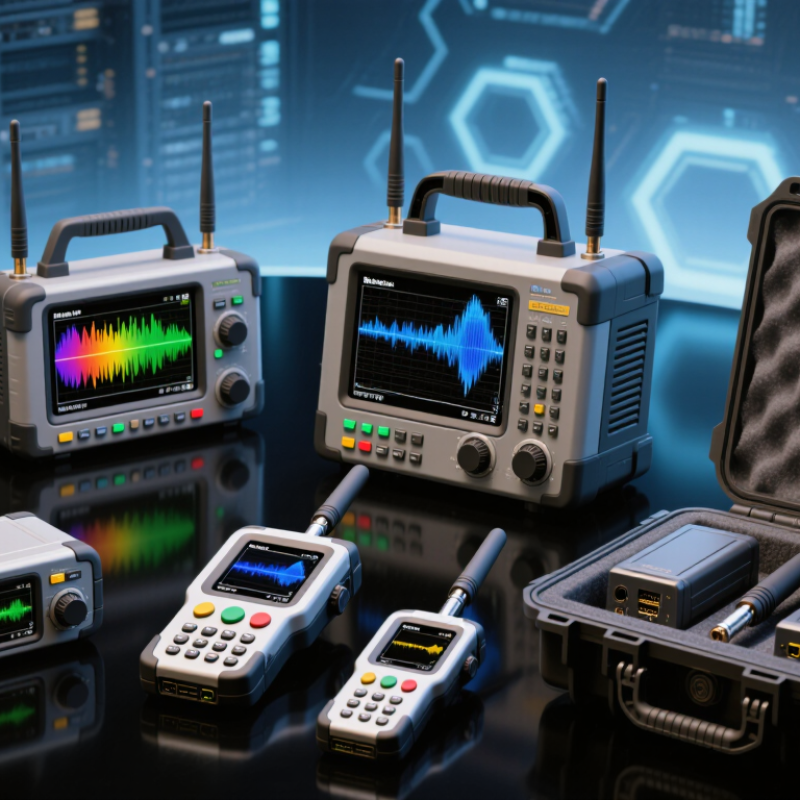
| Spectrum analyzer | Finding interference, viewing occupied channels, checking transmitters, and investigating harmonics or unwanted emissions. | Varies by instrument configuration. Common wireless models cover portions of the MHz-to-GHz range; some extend into millimeter-wave frequencies with suitable options or external converters. | Signal amplitude versus frequency, channel power, occupied bandwidth, frequency markers, and—if supported—adjacent-channel power. | Verify the installed frequency range and options. Check display noise, frequency accuracy, input connectors, attenuator operation, and response to a known signal source. | Keep the input connector clean and protected. Follow the specified warm-up and calibration interval; avoid overloading the RF input. |
| Vector network analyzer (VNA) | Testing antennas, filters, cables, duplexers, and matching networks used in wireless systems. | Depends on the unit and options. Select a range that covers the bands and components being tested; two-port capability is useful for measuring through-path devices. | Reflection and transmission measurements (S-parameters), return loss, insertion loss, impedance, and—when supported—Smith chart display. | Inspect test ports and cables for wear. Confirm port count, frequency range, calibration accessories, and that a calibration check produces plausible results. | Protect test ports from torque and contamination. Use appropriate calibration standards and repeat calibration after changing cables or test setup. |
| Vector signal or signal analyzer | Analyzing digitally modulated wireless signals and checking transmitter signal quality in a supported format. | Model- and option-dependent. Confirm that the frequency range, analysis bandwidth, and demodulation software match the signal under test. | Depending on installed functions: modulation quality such as EVM, constellation, spectrum, channel power, and time-domain analysis. | Check licensed software options, analysis bandwidth, supported modulation standards, file export, and operation with a stable reference signal. | Keep firmware and analysis software compatible with the operating system. Maintain reference-frequency accuracy and store test setups with documented settings. |
| Wireless protocol or packet analyzer | Diagnosing Wi-Fi or other supported wireless networks, including association problems, retries, channel use, and packet-level behavior. | Determined by its radio adapters and supported protocol generations. Check whether the required 2.4 GHz, 5 GHz, or 6 GHz bands and channel widths are supported. | Packet capture, channel utilization, frame details, retry rates, and network event timing, subject to adapter and software capabilities. | Verify adapter compatibility, driver and operating-system support, capture-mode capability, software licensing, and availability of the required cables or antennas. | Keep drivers and capture software current and compatible. Secure captured traffic appropriately; packet captures may contain sensitive information. |
| Handheld cable and antenna analyzer | Field checks of antenna feeds, coaxial cables, connectors, and radio-site installations. | Coverage varies by model. Confirm that the instrument spans the system’s operating bands and supports the required test functions. | Common functions include return loss, VSWR, distance-to-fault, and cable loss when supported by the instrument. | Inspect the case, battery, RF connector, and calibration status. Test with a known load and confirm that cable or antenna measurements are repeatable. | Store in a protective case, recharge and exercise the battery as directed, and use the correct calibration procedure before field measurements. |



 Close
Close