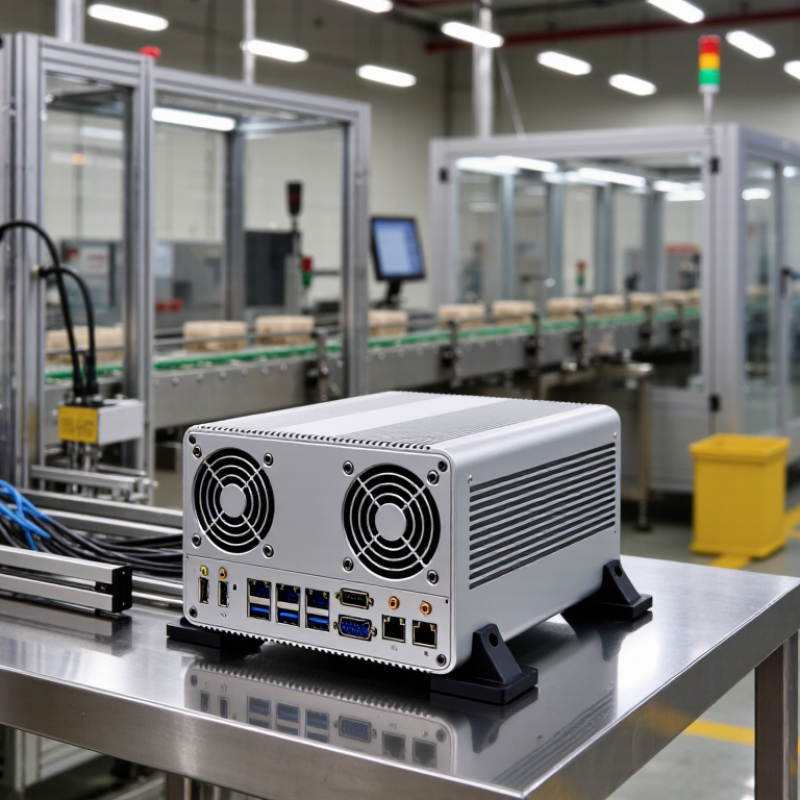
Evaluate an industrial PC against the conditions it will actually face. Note the ambient temperature, dust, vibration, available space, and operating hours. A unit beside a warm production line needs different thermal capacity from one in a clean office. List the software, ports, and devices it must support. A mismatch can be costly, even when the processor looks powerful on paper.
Check the specifications, but verify how they apply to your workload. Compare processor performance, memory, storage endurance, and expansion options with the applications you plan to run. Confirm that connectors match your cameras, sensors, or control equipment. Ask about operating temperature ranges, maintenance access, replacement parts, and technical support. If possible, test the system in a representative setup before deployment. One overlooked detail is cable clearance; it can complicate installation later. I would not assume that the highest-rated model is the best fit. More capacity may add cost without improving reliability.
Tips: Write down your workload and site conditions before comparing models. Request test results for demanding applications. Check how easily filters, drives, and cables can be reached. Leave room for growth, but keep the budget honest.



 Close