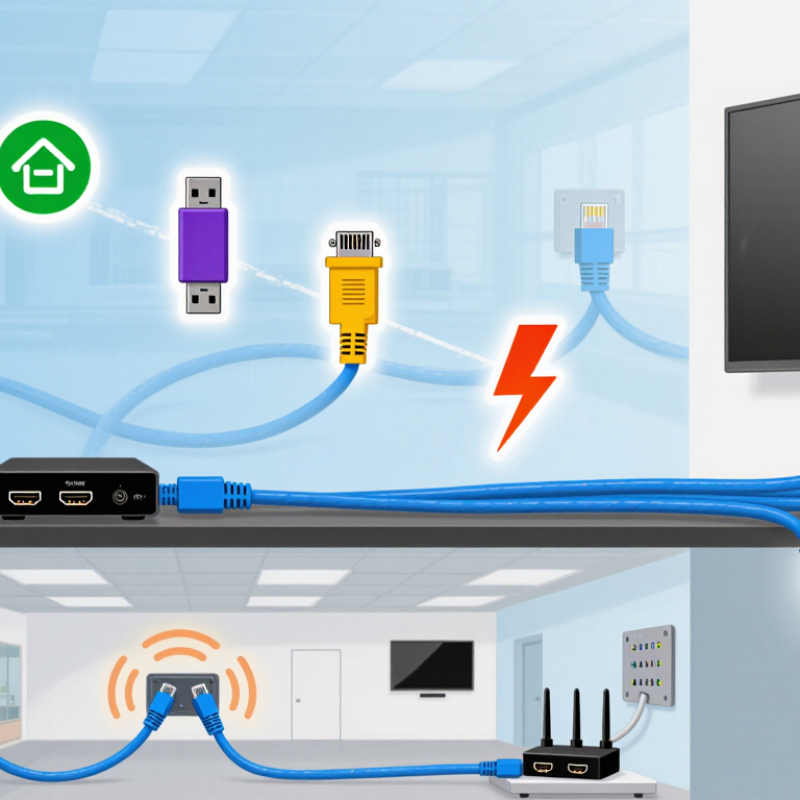
Why Choose HDBaseT Extender for Long Distance HDMI?
An HDBaseT extender can carry HDMI signals far beyond ordinary copper HDMI cables. The real choice depends on bandwidth, cable category, and PoE requirements. A high-resolution source may need more bandwidth for 4K video, high refresh rates, HDR, or uncompressed audio. Check the extender’s supported bandwidth, not only its advertised distance.
Cable category also affects stability. Cat6 cable works for many installations, while Cat6A can offer better performance in electrically noisy spaces. Keep cable runs away from power lines, motors, and fluorescent fixtures. In practical installations, poor termination often causes more trouble than cable length. Test every pair after crimping. I once blamed the extender for intermittent black screens, but the actual fault was a loose connector.
PoE can simplify deployment by allowing one endpoint to power the other through the network cable. However, confirm the transmitter’s power budget and the receiver’s PoE requirements. Some systems need local power, especially when the run is long or the connected display consumes more energy. Heat also matters. Avoid sealing powered units inside a crowded cabinet. Leave airflow around them.
A careful installer should measure the route, inspect the cable path, and confirm the display’s input limits. Specifications can look perfect on paper. Real buildings are less forgiving. Allow spare cable length, label both ends, and test the complete system at its highest expected resolution.



 Close
Close